
Faster sites improve UX, SEO, and conversions. Tinave delivers consistently fast performance, enterprise-grade security, and real human support for your business-critical WordPress sites.
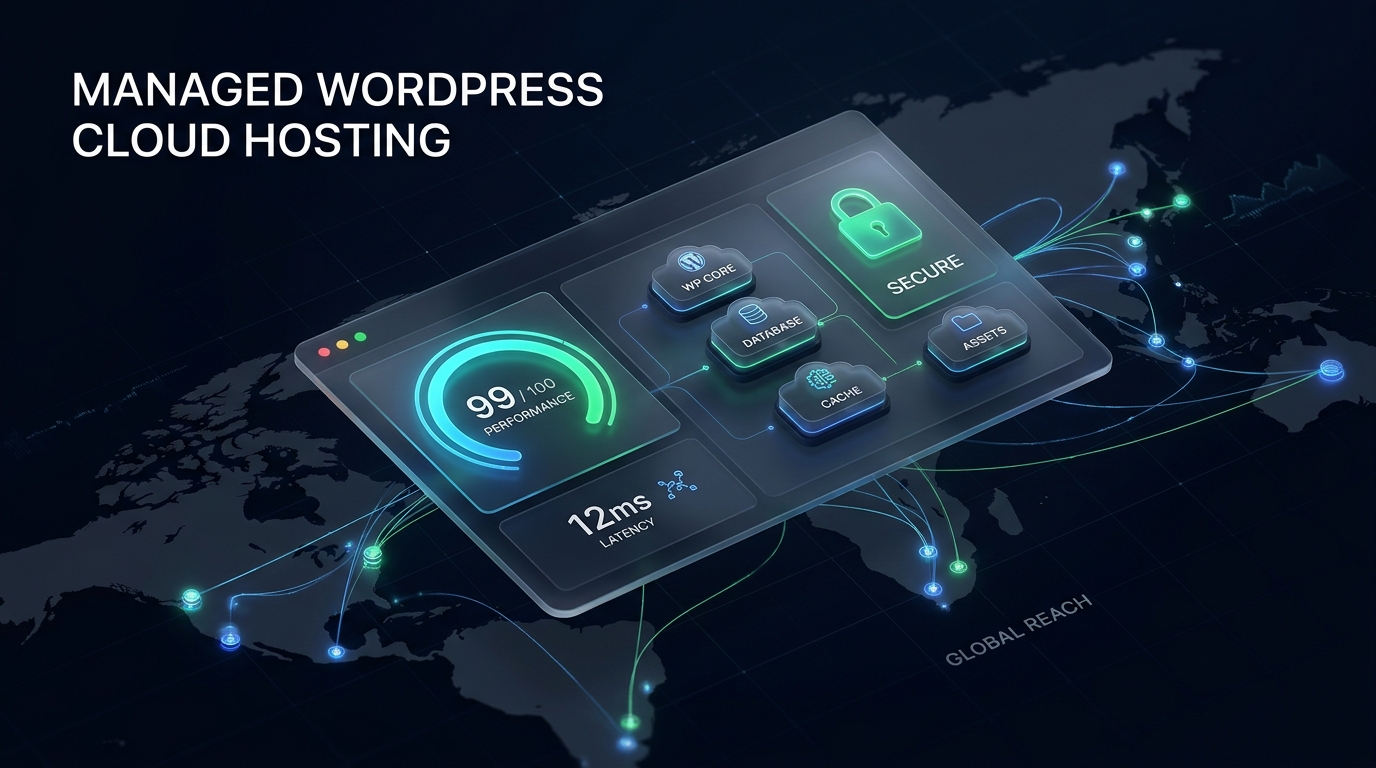
Every WordPress plan includes isolated resources, automated daily backups, edge SSL, 1-click staging, and full access to Tinave Portal.
Ideal for blogs, corporate websites, and creative portfolios demanding sub-second load times.
Built for WooCommerce, FluentCart, and dynamic stores that need high concurrency and fast checkout.
Engineered for high-traffic WordPress sites, busy online stores, and growing agencies.
Stop paying separately for security, caching, backups, and monitoring plugins. Tinave includes them out of the box.
| Features | With Tinave | Monthly Cost Without Tinave |
|---|---|---|
| Enterprise DDoS Protection & Edge WAF | ✓ Included for free | $250+ / mo |
| Global Edge CDN | ✓ Included for free | $8.99 / mo |
| Advanced Page & Object Caching | ✓ Included for free | $4.90 / mo |
| Automated Daily Offsite Backups | ✓ Included for free | $12.40 / mo |
| Minimal-Disruption Migrations Done For You | ✓ Included for free | $5.83 / mo |
| 24/7 Uptime Monitoring | ✓ Included for free | $15.00 / mo |
| Automated Edge SSL Certificates | ✓ Included for free | $4.00 / mo |
| Redirects & Site Tools Manager | ✓ Included for free | $8.25 / mo |
| Total Additional Cost | $0 / Free | $300+ / month saved |
No shared-server slowdowns or noisy neighbors. Every WordPress site runs in its own isolated container engineered for speed and stability.
Each site runs in its own isolated environment, so another site can never slow down or compromise yours.
Your site loads fast worldwide with edge caching, NVMe Gen4 storage, and optimized PHP workers.
When traffic surges during launches, flash sales, or seasonal campaigns, your site stays fast and online.
Edge WAF, DDoS protection, and proactive monitoring block threats early and protect your business.

Tinave Portal gives you the tools to manage, monitor, and deploy WordPress sites without jumping between plugins or third-party panels.
Manage caching, PHP versions, backups, plugins, themes, and SSL from one clean dashboard.
Create 1-click staging environments, preview updates safely, and push changes live with confidence.
See live visitor traffic, bandwidth, and storage breakdown at a glance without external analytics bloat.
Invite team members or clients with organization-wide or site-wise permissions and full activity logs.
Jump straight into your WordPress dashboard directly from Tinave Portal with zero password friction.
Create manual snapshots before major changes and restore files and database in one click anytime.
Our engineering team handles the entire migration for you—files, database, and pre-launch verification—designed for zero downtime and minimal disruption.
Whether you run a high-converting online store, manage client sites for an agency, or scale a growing brand, Tinave adapts to your workload.
Manage client sites from one unified portal with scoped team permissions, staging workflows, and reliable uptime.
Built-in Redis object caching and isolated database performance keep cart and checkout pages instant during peak sales.
Unmetered visits, automatic SSL, daily backups, and hands-off infrastructure let your team focus on growth instead of server admin.
Managed WordPress hosting means Tinave handles server setup, isolated containers, security hardening, automated backups, caching, and performance tuning for you—so you can focus on running your website.
Yes. Our eCommerce Pro and Scale Pro plans include isolated compute, NVMe Gen4 storage, and Redis object caching so dynamic cart, checkout, and order pages stay fast under load.
Yes. Every plan includes a managed migration designed for zero downtime. We move your files and database, verify everything on staging, and help coordinate the DNS switch cleanly.
Yes. We do not charge surprise overage fees for traffic spikes. Every plan includes unmetered visits and bandwidth backed by isolated container resources.
Yes. Through Tinave Portal, you can invite developers, designers, or clients with organization-wide or site-specific access and track changes in a per-site activity log.